
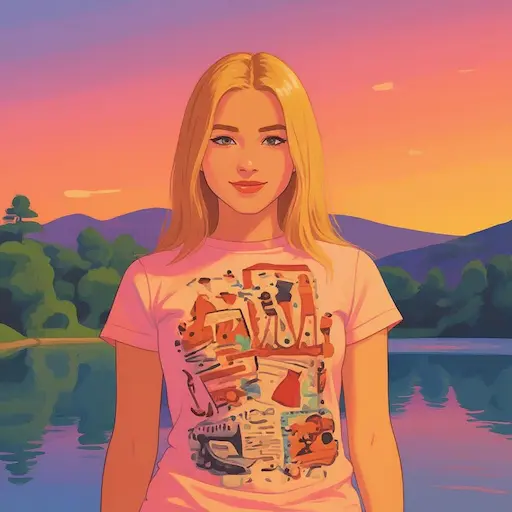
ChatGPT Image 2 AI Image Generator
Create images with ChatGPT Image 2 style prompts
Generate polished comic, anime, manga, product, poster, and character images from natural-language prompts.
Text to Image
Enter a prompt and click Generate to create an image
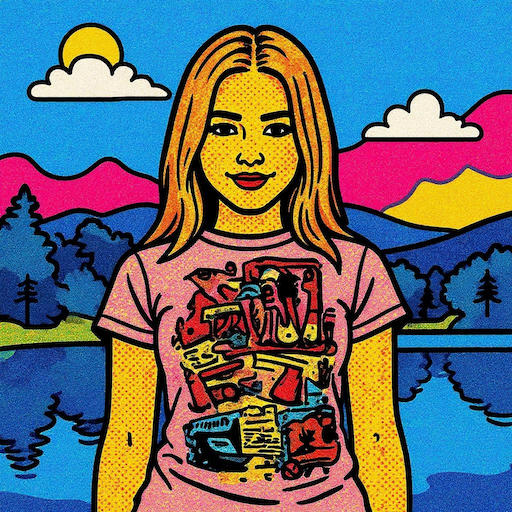
Turn prompts into production-ready images
Write natural-language prompts for characters, scenes, covers, products, and social visuals. Add style, composition, lighting, and mood to guide the result.
Prompt-first creation
Write natural-language prompts for characters, scenes, covers, products, and social visuals. Add style, composition, lighting, and mood to guide the result.
Comic and anime styles
Write natural-language prompts for characters, scenes, covers, products, and social visuals. Add style, composition, lighting, and mood to guide the result.
Fast visual exploration
Write natural-language prompts for characters, scenes, covers, products, and social visuals. Add style, composition, lighting, and mood to guide the result.
Edit or iterate without rebuilding the idea
Use generated images or uploaded references as a starting point. Refine backgrounds, colors, character mood, and visual direction with clear instructions.
Reference-guided edits
Use generated images or uploaded references as a starting point. Refine backgrounds, colors, character mood, and visual direction with clear instructions.
Character consistency
Use generated images or uploaded references as a starting point. Refine backgrounds, colors, character mood, and visual direction with clear instructions.
Creative variations
Use generated images or uploaded references as a starting point. Refine backgrounds, colors, character mood, and visual direction with clear instructions.
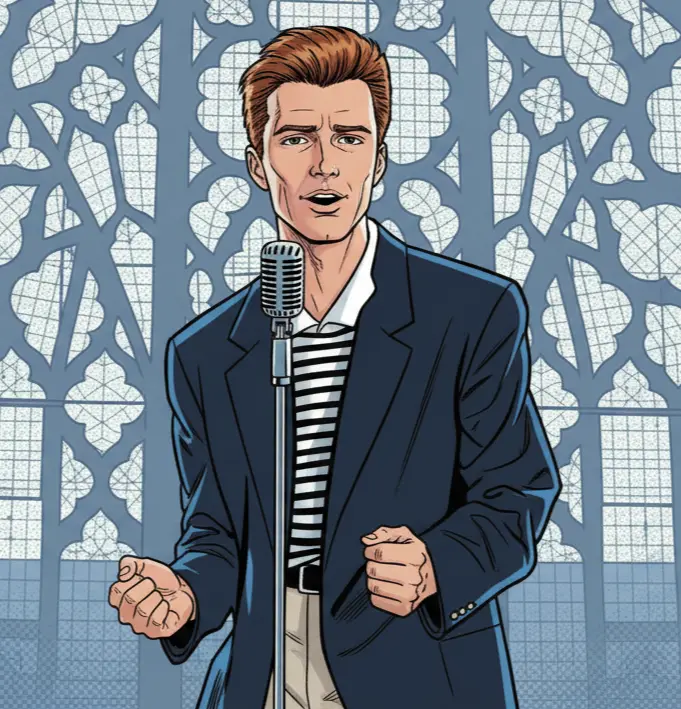
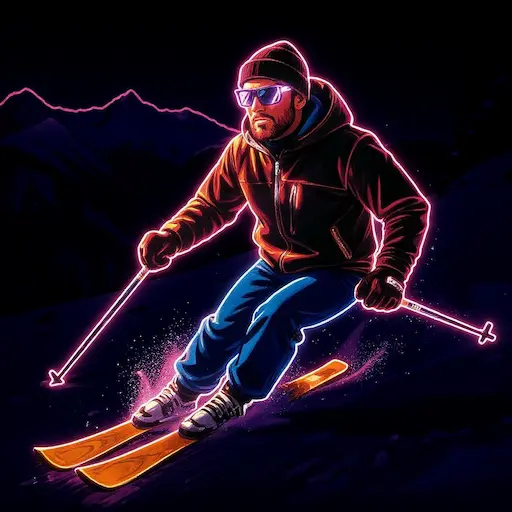
Structure prompts for more control
Strong prompts describe subject, pose, setting, camera angle, palette, lighting, and quality. For edits, mention what should stay unchanged.
Be concrete
Strong prompts describe subject, pose, setting, camera angle, palette, lighting, and quality. For edits, mention what should stay unchanged.
Protect key details
Strong prompts describe subject, pose, setting, camera angle, palette, lighting, and quality. For edits, mention what should stay unchanged.
Iterate intentionally
Strong prompts describe subject, pose, setting, camera angle, palette, lighting, and quality. For edits, mention what should stay unchanged.
ChatGPT Image 2 AI Image Generator Examples
Create AI images online with ChatGPT Image 2 style prompting. Generate comic art, anime characters, manga panels, posters, product visuals, avatars, and image variations from natural-language prompts.
ChatGPT Image 2 AI Image Generator Examples 1
Write natural-language prompts for characters, scenes, covers, products, and social visuals. Add style, composition, lighting, and mood to guide the result.
ChatGPT Image 2 AI Image Generator Examples 2
Use generated images or uploaded references as a starting point. Refine backgrounds, colors, character mood, and visual direction with clear instructions.
ChatGPT Image 2 AI Image Generator Examples 3
Strong prompts describe subject, pose, setting, camera angle, palette, lighting, and quality. For edits, mention what should stay unchanged.
ChatGPT Image 2 AI Image Generator FAQ
Common questions about AI image generation on YouComic.
What can I create?
You can create comic art, anime characters, manga-style panels, posters, avatars, product visuals, and image variations.
How do I write a better prompt?
Describe subject, pose, style, composition, camera, lighting, color palette, and details. For edits, say what should stay unchanged.
Does it support image editing?
Yes. Use Image Edit when you want to upload a reference image and describe the exact changes.
How many credits does it cost?
The editor and pricing page show the current image credit cost before generation.
ChatGPT Image 2 AI Image Generator
Create AI images online with ChatGPT Image 2 style prompting. Generate comic art, anime characters, manga panels, posters, product visuals, avatars, and image variations from natural-language prompts.