
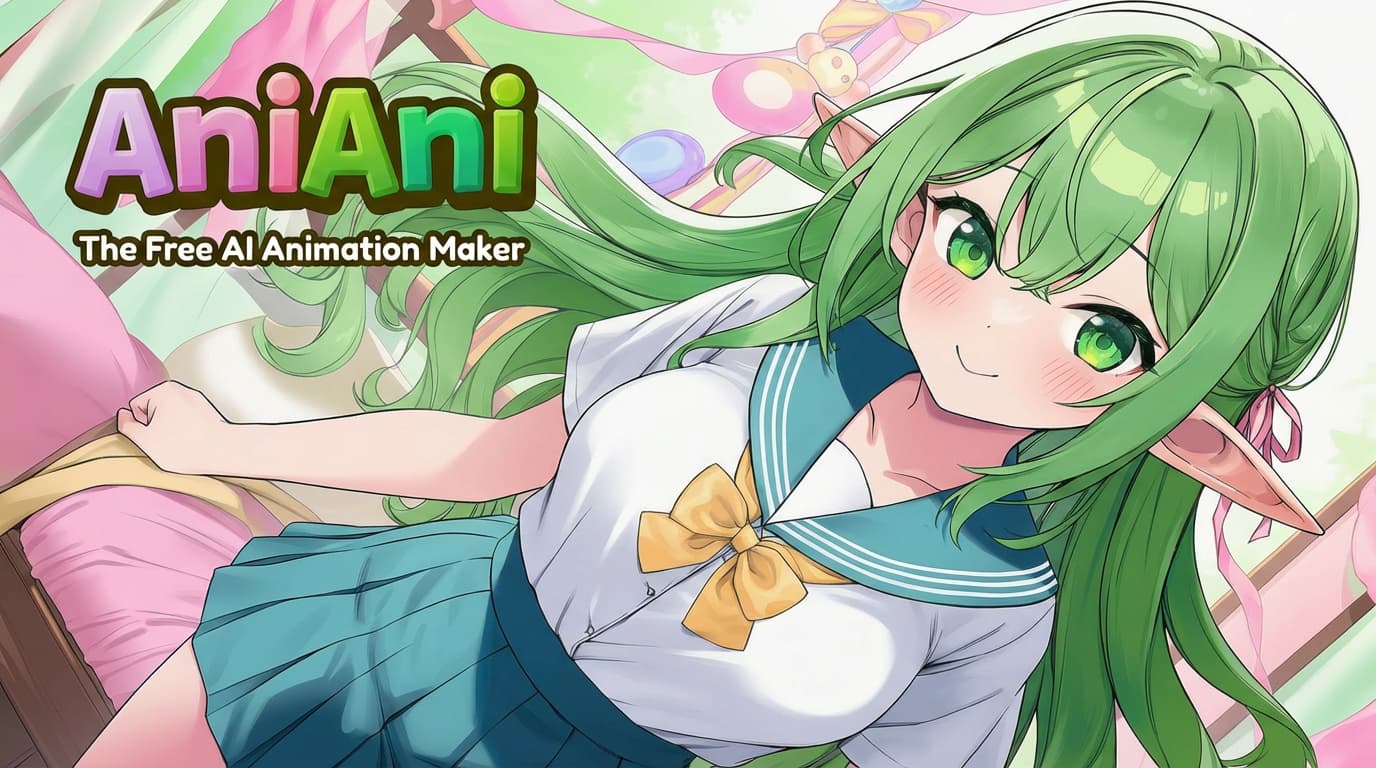
Character to Video
Animate a character into video
Upload a character image, describe pose, expression, camera movement, and emotion, then generate a short character to video animation.
Image to Video
Preview
Direct the shot before generation
A focused video prompt should name one subject, one motion, the camera move, scene, lighting, and anime or comic style.
Subject and action
A focused video prompt should name one subject, one motion, the camera move, scene, lighting, and anime or comic style.
Camera cue
A focused video prompt should name one subject, one motion, the camera move, scene, lighting, and anime or comic style.
Style direction
A focused video prompt should name one subject, one motion, the camera move, scene, lighting, and anime or comic style.
Use the right page for the intent
Text pages start from a written idea, animation pages start from a still frame, and character pages prioritize identity preservation.
Prompt-first ideas
Text pages start from a written idea, animation pages start from a still frame, and character pages prioritize identity preservation.
Image-guided motion
Text pages start from a written idea, animation pages start from a still frame, and character pages prioritize identity preservation.
Character identity
Text pages start from a written idea, animation pages start from a still frame, and character pages prioritize identity preservation.


Improve stability in short clips
Short AI videos work best with one main subject, readable composition, simple motion, and consistent style terms.
Clear focal point
Short AI videos work best with one main subject, readable composition, simple motion, and consistent style terms.
Simple motion
Short AI videos work best with one main subject, readable composition, simple motion, and consistent style terms.
Consistent style
Short AI videos work best with one main subject, readable composition, simple motion, and consistent style terms.
Character to Video Examples
Turn a character image into video. Upload an OC, anime character, manga portrait, or comic avatar and create a short character to video animation.
Character to Video Examples 1
A focused video prompt should name one subject, one motion, the camera move, scene, lighting, and anime or comic style.
Character to Video Examples 2
Text pages start from a written idea, animation pages start from a still frame, and character pages prioritize identity preservation.
Character to Video Examples 3
Short AI videos work best with one main subject, readable composition, simple motion, and consistent style terms.
Comic Video Showcase
Character to Video FAQ
Common questions about AI video generation on YouComic.
Do I need a first frame image?
Image-to-video generation uses a first frame to guide subject, composition, and style. Text-to-video prompts can still benefit from a clear visual direction.
What prompt works best?
Use one clear action, a camera movement, mood, lighting, and style. Avoid asking for several unrelated scenes in one short clip.
What duration should I choose?
Shorter clips are usually more stable. Choose the duration that matches the credit cost and your creative goal.
How are video credits calculated?
Video generation is priced by duration, and the editor shows the current credit cost before you start.
Character to Video
Turn a character image into video. Upload an OC, anime character, manga portrait, or comic avatar and create a short character to video animation.