YouComicYouComic

AI-Powered Comic Translator

Comic Translator AI focuses on comic/manga translation.
Detect balloons and captions, translate with context, and preserve original styles.

Upload a comic page to translate text from one language to another

Drag and drop your image here, or click to select

Supports JPG, PNG, WebP, HEIC, AVIF, BMP

Support: PNG, JPG, JPEG (Max 10MB)

Your translated comic will appear here

Before
Before
After
After
Practical comic translation

Translate comic images without losing the page context

Comic Translator is built for image-in, image-out manga and webtoon localization. Upload a clear JPG, PNG, or WEBP page, choose the source and target languages, and generate a translated image that keeps panels, balloons, captions, signs, and reading flow easy to review.

Best for

  • Manga, manhwa, manhua, comic panels, and webtoon screenshots.
  • Quick visual drafts before manual lettering or publishing review.
  • Testing whether translated dialogue still fits the original bubbles.

Be careful with

  • Low-resolution scans with tiny or compressed text.
  • PDF files that have not been exported to images first.
  • Professional publication without human review of names, jokes, tone, and SFX.
Workflow

From uploaded page to translated comic image

A reliable translation workflow needs more than plain text translation. The image, language pair, and final layout all matter.

Upload a clear image

Use a clean manga page, panel, scan, or webtoon screenshot with full speech bubbles and readable text.

Choose languages

Use auto-detect or set the source language manually, then choose the target language readers need.

Generate translation

AI detects visible text, translates it with context, and places the result back into the comic image.

Review bubble fit

Check line breaks, character names, tone, signs, captions, and whether text still fits the art.

Download or retry

Keep the translated image, download it, or regenerate with a clearer source image when needed.

Before and after

See the image translation flow before uploading your own page

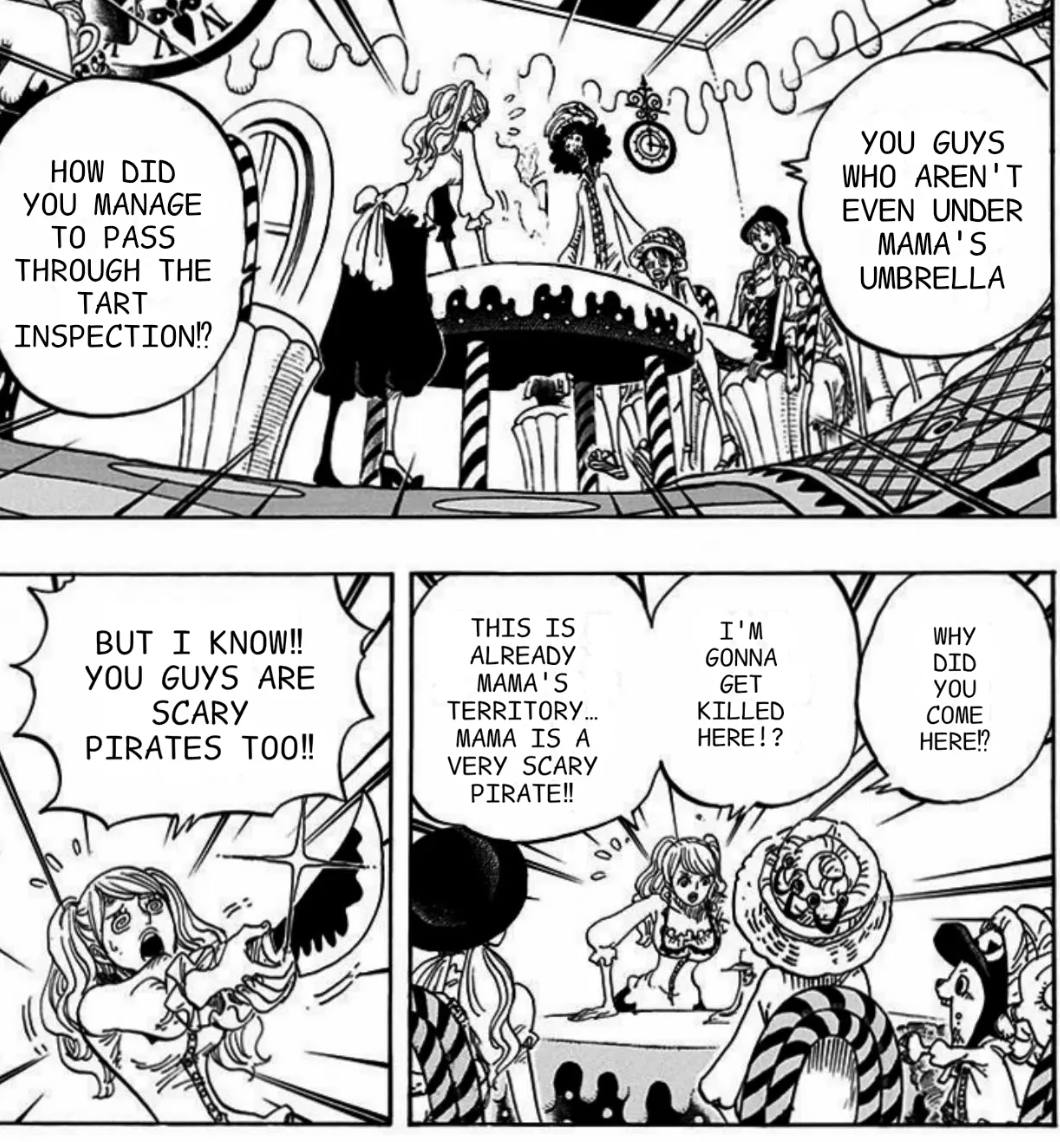
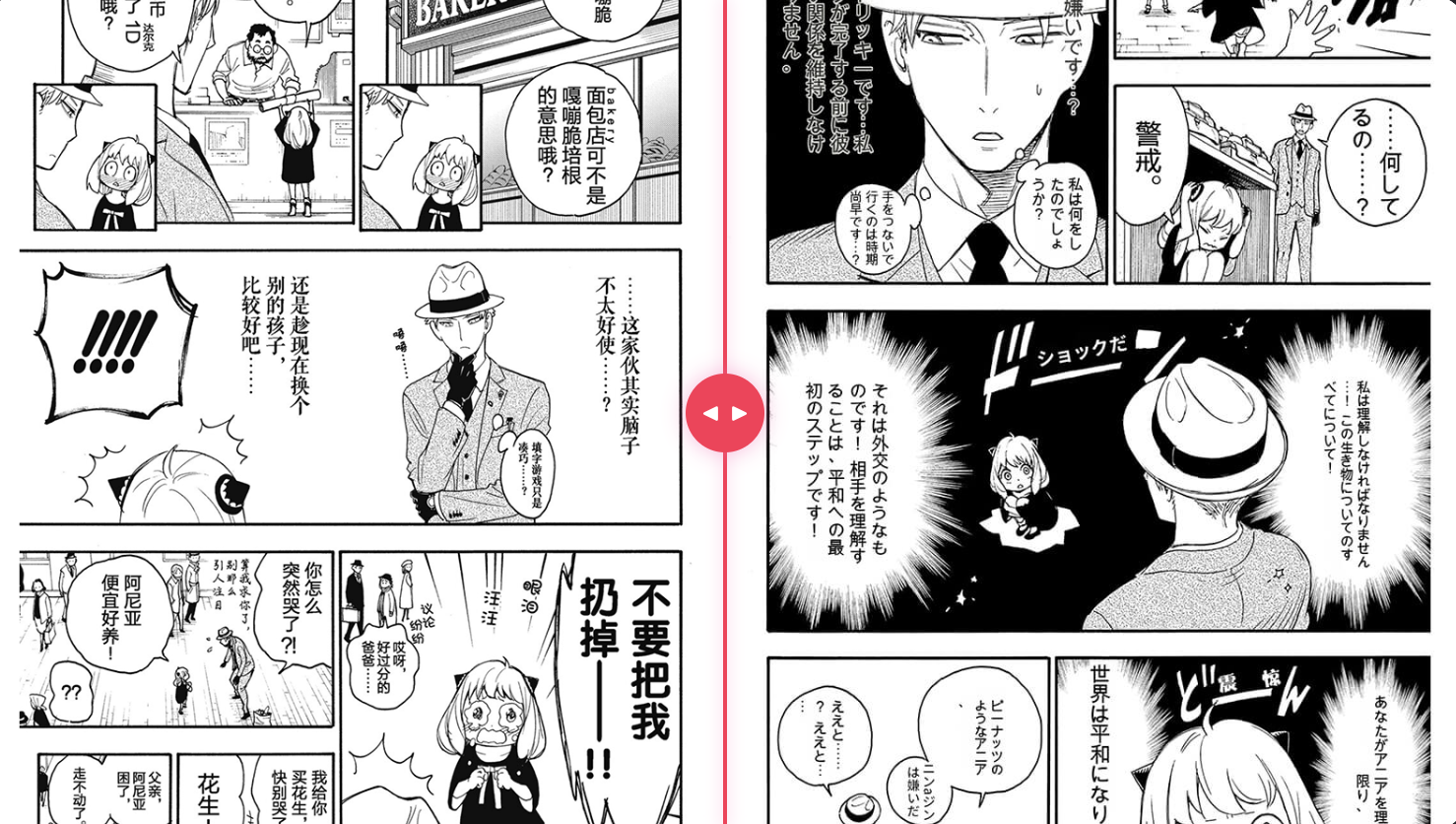
The right side of the editor now shows a real visual example: source comic page on the left, translated comic page on the right. This helps users understand that the tool returns a translated image, not just extracted text.

Before translation
Before translation
After translation
After translation
Quality checklist

What a good comic translation result should preserve

The best result should still feel like the same page, just localized for another reader.

Text recognition

Important balloons, narration boxes, signs, labels, and SFX should be detected and translated.

Bubble readability

Translated lines should remain readable inside the original bubble or caption area.

Artwork preservation

Faces, action, panel borders, background details, and reading order should remain recognizable.

Natural language

Dialogue should sound natural in the target language, not like raw word-by-word translation.

Easy review

The final image should be easy to inspect, download, regenerate, or use as a localization draft.

Consistent terms

Character names, locations, powers, and recurring jokes should stay consistent across pages.

Creator guide

How to get cleaner manga and webtoon translation output

Small input choices make a big difference for OCR, translation quality, and bubble placement.

Start with readable source text

Avoid blurry screenshots, cropped bubbles, heavy watermarks, and over-compressed images.

Keep the whole bubble visible

Partial bubbles or cut-off captions make it harder to detect context and place translated text.

Use one page at a time

For review quality, translate one panel or page first before processing a longer chapter.

Review cultural nuance

Honorifics, jokes, slang, sound effects, and character voice still benefit from human judgment.

Use cases

Built for real comic translation scenarios

Use the translator when the visual page matters as much as the translated words.

Japanese manga to English

Understand Japanese manga panels while preserving the original panel composition.

Korean manhwa screenshots

Translate vertical webtoon or manhwa scenes into a readable target language draft.

Chinese manhua pages

Turn manhua dialogue and captions into English for reading, sharing, or review.

Fan translation drafts

Create a first visual localization draft before manual editing and final lettering.

Language learning

Compare source text and translated output in the original comic context.

Bubble fit preview

Check whether a target language will fit the original speech bubble layout.

Common mistakes

Avoid these before uploading a comic page

Most poor results come from source images that are difficult to read or from skipping final review.

Uploading tiny scans

Small or compressed text is harder to recognize accurately, especially in vertical manga bubbles.

Expecting direct PDF translation

Export or screenshot PDF pages into images before using the comic image translator.

Skipping human review

Always review names, jokes, emotional tone, SFX, and line breaks before publishing.

AI comic translator OCR and text handling

Balloon & Text Translation

Translate speech balloons, captions, and narration with accurate OCR. Preserve font, balloon shape, and layout integrity.

  • Accurate Manga OCR

    Detect vertical, RTL, and curved balloon text reliably

  • Style-Preserved Typesetting

    Retain fonts, sizes, and balloon shapes while replacing text

  • Multi-language Support

    Translate to EN/JP/KR/ZH and more with terminology control

Context-Aware Translation

Honor context, tone, and cultural nuance. Support RTL/vertical layouts and onomatopoeia handling.

  • RTL & Vertical Layout

    Support right-to-left and vertical text arrangements

  • Honorifics & SFX

    Handle honorifics, sound effects, and genre conventions

  • Glossary & Terminology

    Custom glossaries to keep names and terms consistent
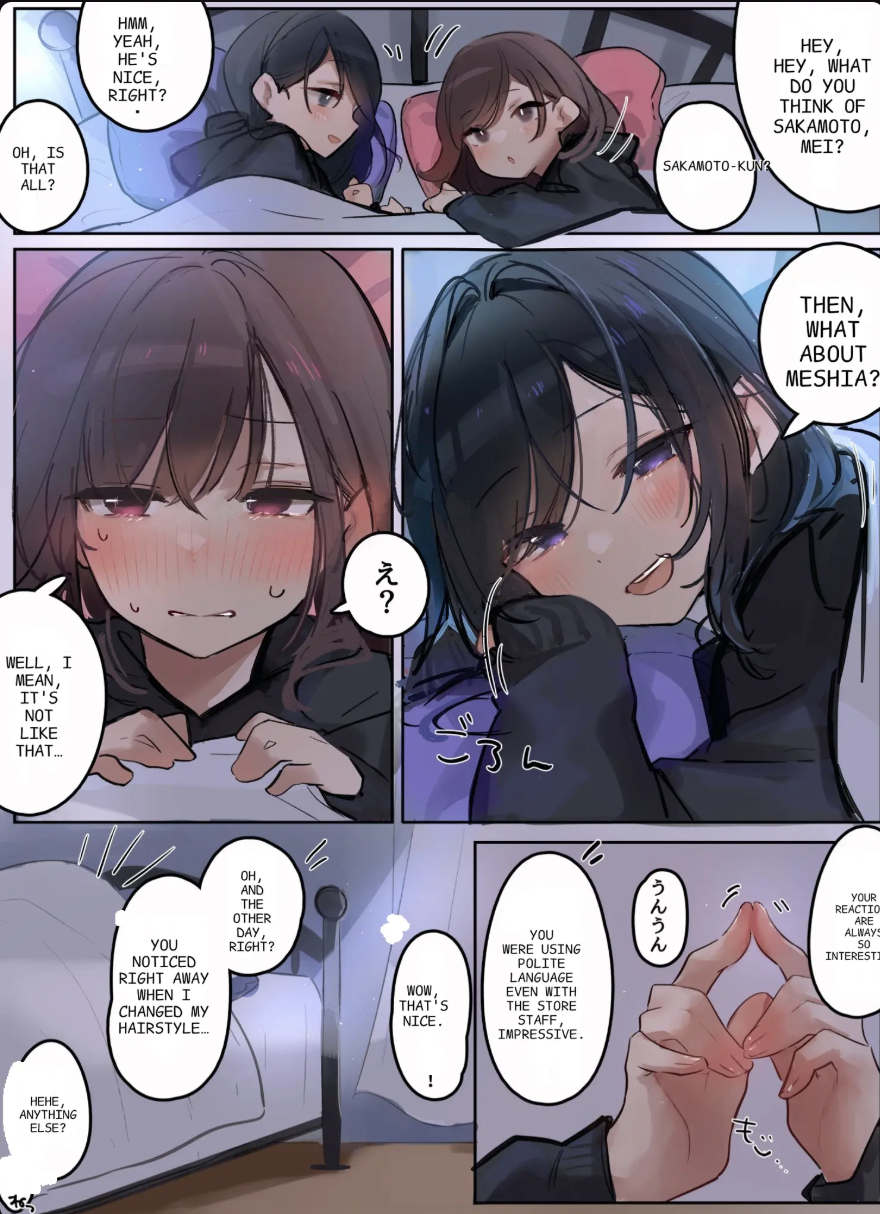
Context-aware comic translation
Comic translation workflow and batch processing

Batch & Workflow

Scale translation across chapters with review and export workflows.

  • Bulk Page Translation

    Translate multiple pages at once with queue management

  • Review & Edit

    Inline editing for balloons, captions, and footnotes

  • Export

    Export PNG/JPEG/PDF with preserved layout and safe margins

FAQ

Comic Translator AI - Frequently Asked Questions

Still have questions? Contact us by email or visit our documentation.

1

How accurate is manga text recognition?

We support vertical, right-to-left, and curved balloon text with high-accuracy OCR tailored for manga and comics.

2

Which languages are supported?

We support EN/JP/KR/ZH and more. You can add custom glossaries to keep names and terms consistent.

3

Will the original art style be preserved?

Yes. We replace text while preserving fonts, balloon shapes, and overall layout integrity.

4

Can I edit translations before export?

Yes. You can review and modify translations inline, then export PNG/JPEG/PDF with safe margins.

Start Translating Comics

Use Comic Translator AI to localize manga while preserving layout, fonts, and style.